

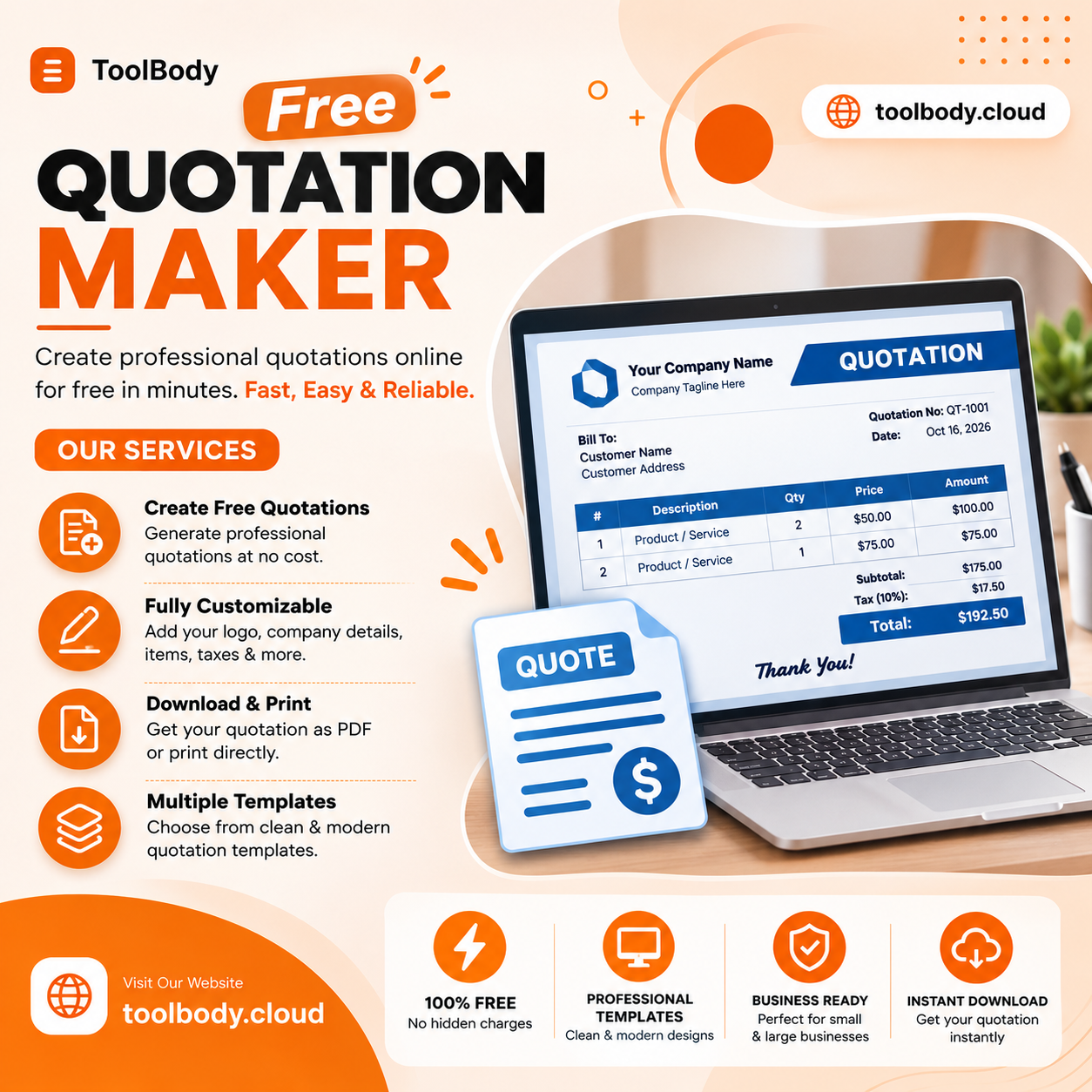
Free Quotation Maker
Overview
Features:
- Free Quotation Maker
- Free Stamp Maker
- Free Signature Maker
- Free Invoice Maker
Description
Free Quotation Maker
A good quotation does three things: it tells the client exactly what they are buying, what it costs, and how long that price stands. Everything else on the page is there to make saying yes easy and arguing later hard. Here is how to build one with the free quotation maker, and what to think about at each step.
1. Start with who and when
Put your business name and contact details at the top, then the client’s. Add a quotation number and today’s date. The number is yours to invent — QT-2026-014, or your initials and a running count — but keep the format consistent, because it is what the client will quote back when they accept and what your invoice will reference when you bill.
2. Describe the work in the client’s words
Each line item should be readable by someone who does not do your job. “Supply and fit 12 m of kitchen worktop, laminate, including edging” is a line a client can approve. “Worktop” is not. If the client asked for something specific in their brief, use their phrasing so they can match the quote to what they asked for.
Quantity, unit price and line total go on every line. The editor adds the lines up and applies the tax, so the figure at the bottom is never one you typed by hand — which is the point. A quotation with a wrong total is the fastest way to lose a job you had already won.
3. State the tax the way it is stated where you are
Say whether your prices include tax or have it added on top, and name the tax the way it is named locally — VAT, GST, sales tax. Clients compare quotations, and a price that is silent on tax will be compared unfairly with one that is not. Set the currency you price in, too; a quotation in the wrong currency is a quotation that gets re-requested.
4. Give it an expiry
Valid for 14 days. Valid until the end of the month. Valid for 30 days from the date above. Pick one and write it on the page. Material costs move, your calendar fills, and without a date the price you gave last winter is still a price you gave. The validity date is also a polite reason to follow up: “the quote expires Friday, did you want to go ahead?”
5. Say what is not included
This is the line most quotations leave off and most disputes come back to. Delivery. Materials the client is supplying. Revisions beyond the second round. Anything charged hourly beyond the estimate. Site access, parking, permits. Write the exclusions plainly under the line items and the conversation about them happens now, when it is cheap, instead of on the final invoice, when it is not.
6. Tell them how to accept
A quotation nobody knows how to accept sits unanswered. Add a signature line and a sentence: “To accept, sign and return this quotation” or “Reply to this email with ‘approved’ and we’ll schedule the work.” If you take a deposit, say the amount and when it is due. The signature line is a block in the editor, and if you want the quotation to carry your own signature and company stamp as well, both can be made with the other tools and dropped straight onto the page with transparent backgrounds.



Leave feedback about this