

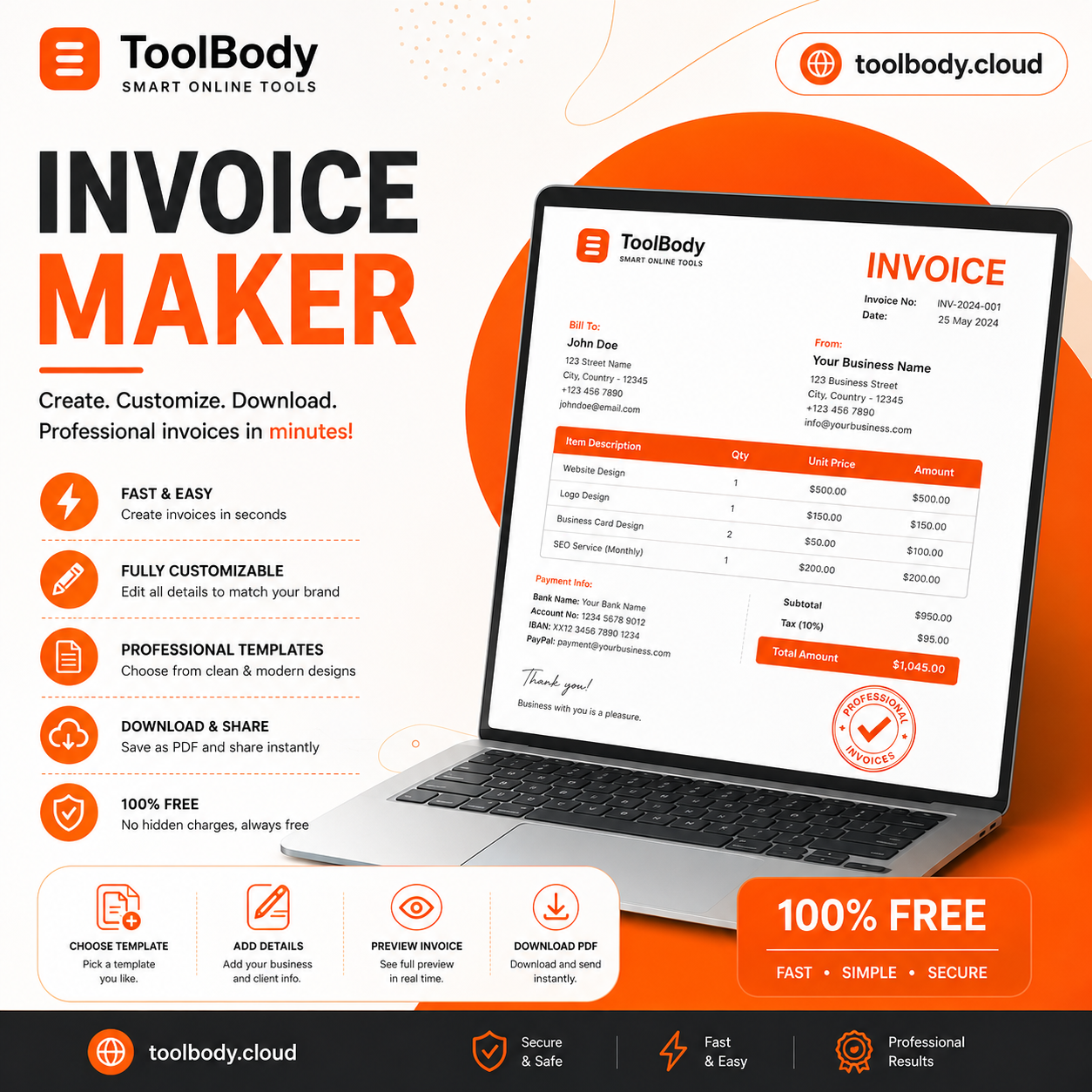
Free Invoice Generator – Make Professional Invoices Online
Overview
Description
Free Invoice Generator – Make Professional Invoices Online
Creating professional invoices is an important part of running a business, freelancing, or providing services. A well-designed invoice helps you clearly show what you have sold, how much your customer needs to pay, and when the payment is due. However, creating invoices manually in Word, Excel, or other software can take time and may lead to calculation or formatting mistakes.
A Free Invoice Generator – Make Professional Invoices Online makes the process much easier. Instead of designing an invoice from scratch, you can use an online invoice generator to enter your business and customer information, add products or services, calculate totals, and create a professional invoice within minutes.

For users looking for a simple and convenient solution, Tool Body Free Invoice Maker provides an easy way to create invoices online without complicated software.
What Is a Free Invoice Generator?
A free invoice generator is an online tool that allows individuals and businesses to create professional invoices quickly. You usually enter basic information such as your business name, customer details, invoice number, products or services, quantity, price, taxes, and payment information.
The tool then organizes this information into an invoice format that can be saved, printed, or downloaded.
A Free Invoice Generator – Make Professional Invoices Online can be useful for freelancers, small businesses, agencies, consultants, contractors, online sellers, and service providers who need to create invoices regularly.
Why Use an Online Invoice Generator?
Creating invoices manually can become repetitive, especially when you send invoices to multiple customers every week or month. An online invoice generator can simplify this process and help you save time.
Here are some common benefits:
1. Save Time
You do not need to create a new invoice layout every time you receive an order or complete a project. Simply enter the required information and generate your invoice.
2. Create Professional Invoices
A professional invoice gives customers a clear overview of the products or services they purchased. A clean invoice can also make your business communication look more organized.
3. Reduce Calculation Errors
When an invoice contains multiple products or services, calculating quantities, prices, discounts, taxes, and totals manually can result in mistakes. An invoice generator can make calculations easier and help organize the final amount.
4. Use It Online
An online invoice generator does not require complicated installation. You can access the tool through a web browser and create invoices whenever you need them.
5. Suitable for Different Businesses
Whether you are a freelancer, small business owner, consultant, designer, developer, contractor, or online seller, an invoice generator can help you prepare invoices for customers.
How to Make a Professional Invoice Online
Making an invoice online is usually a simple process. With a tool such as the Tool Body Free Invoice Maker, you can follow a few basic steps.
Step 1: Enter Your Business Information
Start by adding your business or personal information. This can include your business name, address, email address, phone number, and other relevant details.
If you are a freelancer, you can use your professional name or business name.
Step 2: Add Customer Information
Enter the customer’s name and contact information. Depending on your requirements, you may also include the customer’s address, email, or company name.
Accurate customer information makes the invoice easier to identify and process.
Step 3: Add Invoice Details
Every invoice should have basic identification information. Add an invoice number and the invoice date. You can also include a payment due date if required.
Using unique invoice numbers can make it easier to organize your records and identify individual transactions.

Step 4: Add Products or Services
Now enter the products or services provided to the customer. Include the item description, quantity, and price.
For example, a web designer might add:
- Website Design
- Logo Design
- Website Maintenance
- A freelancer could add:
- Content Writing
- SEO Services
- Graphic Design
Adding clear descriptions helps customers understand exactly what they are being charged for.
Step 5: Check the Total Amount
Review the subtotal, taxes, discounts, and final amount before completing the invoice. Make sure that the prices and quantities are correct.
This step is important because even a small mistake can create confusion between you and your customer.
Step 6: Add Payment Information
If necessary, provide payment instructions. You can mention your preferred payment method or other information that helps the customer complete the payment.
Step 7: Generate Your Invoice
After checking all information, generate your invoice. Depending on the tool, you may be able to download or print the completed invoice.
Who Can Use a Free Invoice Generator?
A free invoice generator can be useful for many types of users.
Freelancers
Freelancers often work with multiple clients and need to send invoices after completing projects. An online invoice generator can help them create clear invoices without spending a lot of time on formatting.
Small Businesses
Small business owners can use invoice generators to prepare invoices for customers and maintain a consistent professional appearance.
Consultants
Consultants can create invoices for consulting sessions, projects, retainers, and other professional services.
Agencies
Marketing, SEO, web development, design, and other agencies can use online invoice tools to prepare invoices for their clients.
Contractors and Service Providers
Plumbers, electricians, repair professionals, maintenance companies, and other service providers can create invoices showing the services completed and the amount due.
Online Sellers
People selling products online can also use invoices to provide customers with a clear record of their purchases.

What Should a Professional Invoice Include?
A professional invoice should contain enough information for the customer to understand the transaction.
Common invoice details include:
- Business or seller name
- Business contact information
- Customer name
- Customer contact information
- Invoice number
- Invoice date
- Due date
- Product or service description
- Quantity
- Unit price
- Subtotal
- Tax or discount, if applicable
- Total amount
- Payment instructions
- Additional notes or terms
The exact information required can vary depending on your location, business type, and applicable tax or invoicing rules.
Free Invoice Generator vs. Manual Invoice Creation
Creating invoices manually in a document or spreadsheet can work for occasional invoices, but it can become inconvenient as your business grows.
With manual invoice creation, you may need to repeatedly adjust layouts, calculate totals, enter invoice numbers, and make sure the document looks professional.
An online invoice generator provides a more streamlined workflow. You can focus on entering the transaction information instead of spending time designing the invoice.
For individuals who only need occasional invoices, a simple free tool can be a practical option.
Create Invoices with ToolBody
If you are looking for an easy way to make professional invoices online, you can try the Tool Body Free Invoice Maker.
Tool Body is an online tools website designed to provide useful tools through a simple web-based experience. Its invoice maker can help users create invoices without relying on complicated desktop software.
You can use the Free Invoice Maker Online to prepare invoices for freelance work, services, small businesses, projects, and other transactions.
The main advantage of using an online tool is convenience. You can access it through your browser and create your invoice when you need it.
Are Free Invoice Generators Good for Small Businesses?
Yes, a free invoice generator can be useful for small businesses that need a simple way to prepare invoices. It can reduce the amount of time spent creating invoice documents manually and provide a consistent format for customer billing.
However, businesses should still make sure that their invoices contain any information required by their local tax and business regulations.
If your business has complex accounting requirements, you may also need dedicated accounting or invoicing software.

Frequently Asked Questions
What is the best way to create an invoice online?
One simple option is to use an online invoice generator. Enter your business details, customer information, products or services, prices, and other required details, then generate the invoice.
Can I create an invoice for free?
Yes. Free online invoice generators are available that allow users to create invoices without paying for basic invoice creation features.
Can freelancers use a free invoice generator?
Yes. Freelancers can use invoice generators to create invoices for services such as writing, graphic design, programming, SEO, marketing, consulting, and other freelance work.
What information should I put on an invoice?
An invoice generally includes seller and customer information, invoice number, date, products or services, quantities, prices, applicable taxes or discounts, total amount, and payment information.
Can I make an invoice without Excel or Word?
Yes. An online invoice generator allows you to create an invoice directly in your web browser, so you do not necessarily need Word or Excel.
Why is an invoice important?
An invoice provides a clear record of a transaction and tells the customer what they are being charged for and how much they need to pay. It can also help businesses maintain organized financial records.
Related Ads





Leave feedback about this